Why “similar performance” doesn’t mean “same model”
You can demo two “top” models on a few prompts, see near-identical answers, and assume they’re basically interchangeable. That’s like test-driving two cars that both hit 60 mph in the same time and concluding the engines are the same. Benchmarks compress a lot of behavior into a single score, but models can reach that score through different data mixes, training budgets, safety constraints, and product choices. Those differences show up where you actually pay: consistency on edge cases, how they handle long context, tool use accuracy, refusal behavior, latency under load, and per-call cost.
The many routes to the same score: data, scale, and compute
In practice, two models can land on the same benchmark score by spending their “training budget” in very different places. One team might lean on more total compute—larger batches, longer training, more runs—while another compensates with a higher-quality data mix, better filtering, or more targeted synthetic data. You can also trade scale for curation: a slightly smaller model trained on cleaner, more diverse text can look “tied” with a bigger model that saw more raw tokens.
Those choices leave fingerprints. Data decisions affect how often the model misreads intent, hallucinates plausible details, or fails on niche domains. Compute decisions affect how smoothly it generalizes and how stable it is across prompt styles. None of this is free: high-quality data is expensive to collect and scrub, and massive compute budgets raise cost, iteration time, and energy use—pressures that shape what gets optimized versus what gets accepted as “good enough.”
Architectures differ, outcomes match: not all transformers are alike
You can feel this when a model that seems “smart” overall still stumbles in a specific way: it loses the plot halfway through a long instruction, it’s brittle with formatting, or it over-commits to an answer when uncertainty would be safer. Often, that’s not about the training data at all. It can come from architectural choices—how the model routes attention, how it represents position in long text, how it stores intermediate state, or how it’s optimized to run on particular hardware.
Two systems can both be “transformers” and still behave differently because the internal trade-offs differ. Some designs prioritize long-context stability, others prioritize fast decoding or cheaper inference, and others add specialized components that help with tool use or structured outputs. Those choices can wash out on averaged benchmarks but surface in production as different failure modes, different latency curves under load, and different costs when you scale usage.
Training recipes: alignment and fine-tuning can mask gaps
You can also get “similar performance” by changing the training recipe after the base model is already strong. A smaller or less broadly trained model can look surprisingly close to a larger one once it’s been heavily fine-tuned on the right tasks, coached with preference data, and reinforced to follow instructions cleanly. That alignment layer often improves what benchmarks reward: helpfulness, format compliance, and fewer obvious mistakes. It can also hide deeper gaps, because the model learns safe, polished defaults for common prompt shapes even if its underlying world knowledge or reasoning is thinner.
These post-training layers can introduce their own quirks. Aggressive safety tuning can make a model overly cautious or vague. Overfitting to “benchmark-like” prompts can reduce flexibility in messy real inputs. And maintaining alignment quality is costly: it requires ongoing data labeling, red-teaming, and iteration as your product surface changes.
Benchmarks hide the details: what gets averaged away

A model may tie another on a leaderboard and still feel noticeably different in everyday use. Many benchmarks reduce performance to an average across a large set of tasks, usually with a fixed answer format and a narrow scoring method. A model that gets most of the easier questions right can remain highly competitive despite a handful of serious errors. Another may lose points by refusing to guess when the benchmark rewards confident answers, yet perform more reliably when the prompt is ambiguous or the user’s assumption is incorrect.
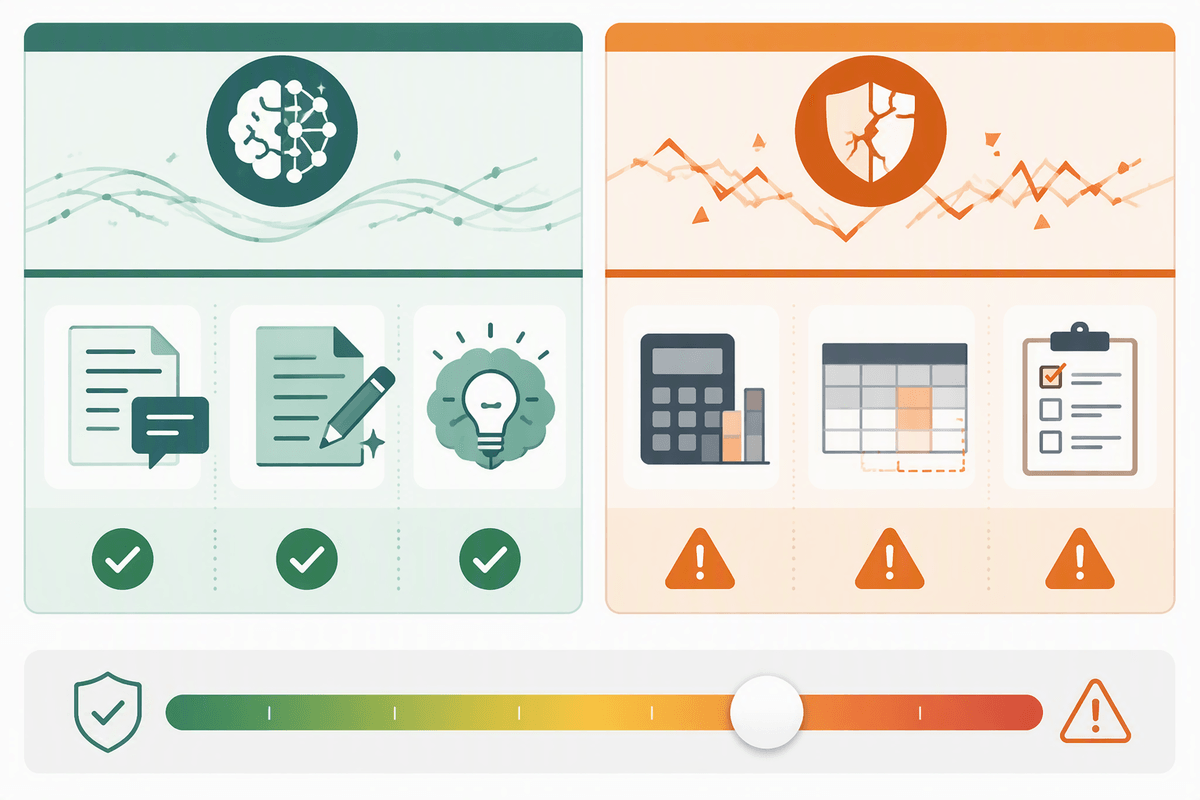
That gap becomes harder to see once benchmark scores flatten the underlying distribution. Typical evaluations reveal little about variation across prompt styles, performance with longer context, or silent failures such as a confident answer paired with a bad citation, malformed JSON, or a plausible tool call that never actually works. Reasoning benchmarks have a similar blind spot: a model may reach the right result while producing unstable steps from one retry to the next. In production, that consistency matters far more than a small difference in leaderboard score. It determines how many retries, guardrails, and human checks are needed to keep the system dependable, and those safeguards quickly become part of the real cost.
Same accuracy, different operational profile: latency, cost, reliability
You notice the difference the moment you put a “tied” model behind a real product. One model answers in 600 ms most of the day but spikes to 6–10 seconds at peak traffic. Another is slower on average but has tighter tail latency, which means fewer timeouts and fewer awkward “try again” experiences. If you’re doing multi-step workflows (retrieve data, call tools, validate JSON, generate), those tails compound quickly, turning a crisp interaction into a stalled one.
Cost behaves the same way: list price per token is only the start. Higher context windows encourage longer prompts, higher output caps invite verbose answers, and retries to recover from flaky tool calls quietly double your spend. Reliability is where “similar accuracy” breaks hardest—how often the model follows schema, stays within policy without over-refusing, and gives consistent answers across retries. You pay for the gaps in monitoring, fallback logic, and human review.
How to choose between near-tied models for your use case

The selection problem becomes clearer when two vendors look equally “good enough,” yet one quietly forces the surrounding workflow to accommodate its weaknesses. A realistic comparison starts with the work that actually matters: a handful of messy prompts, typical context lengths, required output formats such as JSON, citations, or SQL, and the tools used in day-to-day tasks. A useful bake-off should measure more than answer quality. Recoverable failures deserve their own score, including broken schemas, failed tool calls, unnecessary refusals, and confident answers that turn out to be wrong. Retry variance matters too. A model that scores slightly lower on average but behaves more consistently may ultimately require fewer guardrails and less human review.
Operational details matter just as much once a model moves beyond testing. Tail latency under load, context pricing, rate limits, and performance with longer prompts all affect the experience of using it at scale. Long-document workflows should include tests for truncation and instruction retention, while tool-heavy applications should be judged by whether the complete task succeeds rather than by the quality of the final text alone. A meaningful evaluation takes real effort: representative traffic, enough testing time to expose edge cases, and a scoring rubric the team agrees to use. That work may feel expensive upfront, but it provides a much clearer picture of the costs and compromises that come with the final choice.
Takeaway: treat “top models” as different tools, not replacements
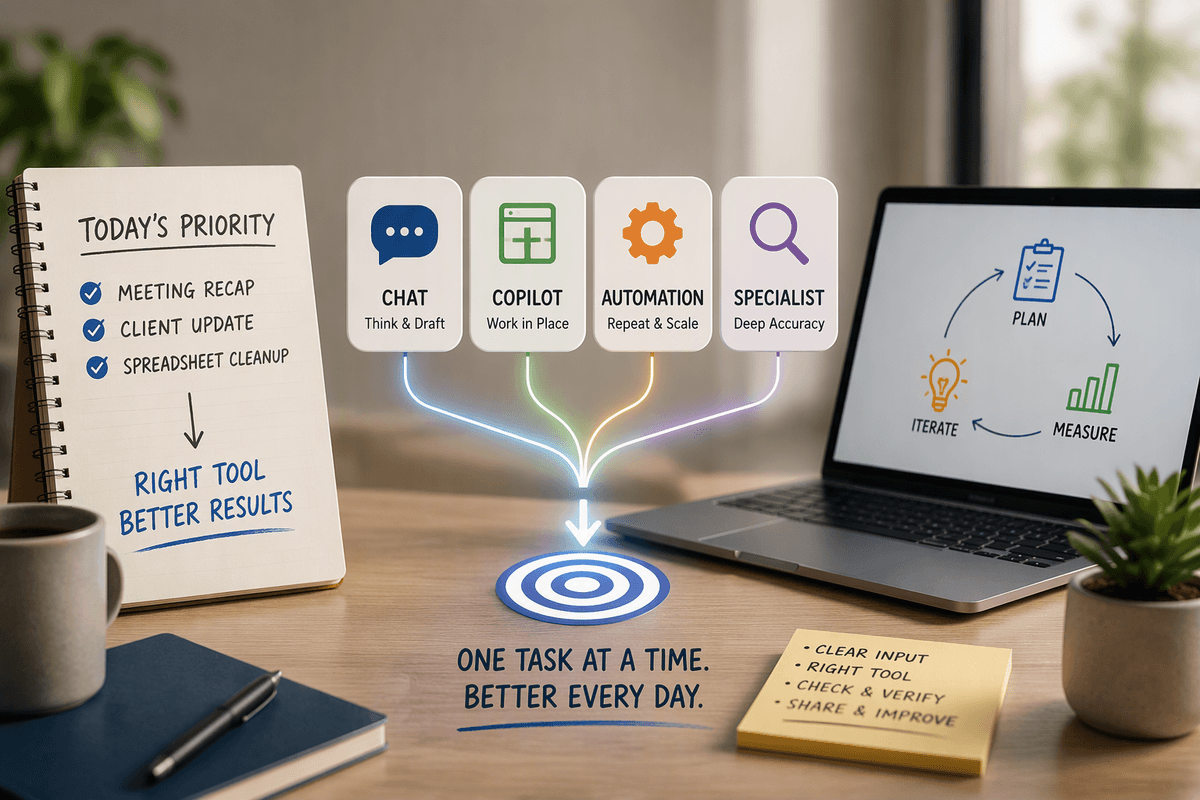
You don’t have to pick “the best” model in the abstract. Treat top models like tools with different operating envelopes: one may be the best default chat experience, another the most dependable at structured outputs, and another the safest choice for regulated workflows. When two models look tied, the deciding factors are usually boring and expensive: tail latency, retry rates, schema adherence, tool-call success, policy behavior, and what long context does to both quality and spend. Keep a small, living eval suite from real user traffic, and be ready to route tasks—rather than standardize everything on a single winner.