Why “practical AI skills” matter more than AI theory
You don’t need to understand how a model is trained to get value from AI any more than you need to understand how a compiler works to write a useful spreadsheet formula. What actually changes your results is a small set of habits you can reuse across tools: describing the outcome you want, giving the right context, and checking whether the output is trustworthy.
The hype makes it feel like you must “pick the perfect tool,” but most tools are wrappers around similar capabilities. Practical AI skill is knowing how to turn messy inputs (notes, emails, half-formed ideas) into clear prompts, then evaluating and refining what comes back. The constraint: this takes a few extra minutes up front, but it saves hours and prevents confident mistakes.
Think of it as learning to drive, not memorizing engine diagrams. If you can prompt, verify, and fit AI into a repeatable workflow, you can learn faster, work cleaner, and build small, useful systems without waiting to “study the theory first.”
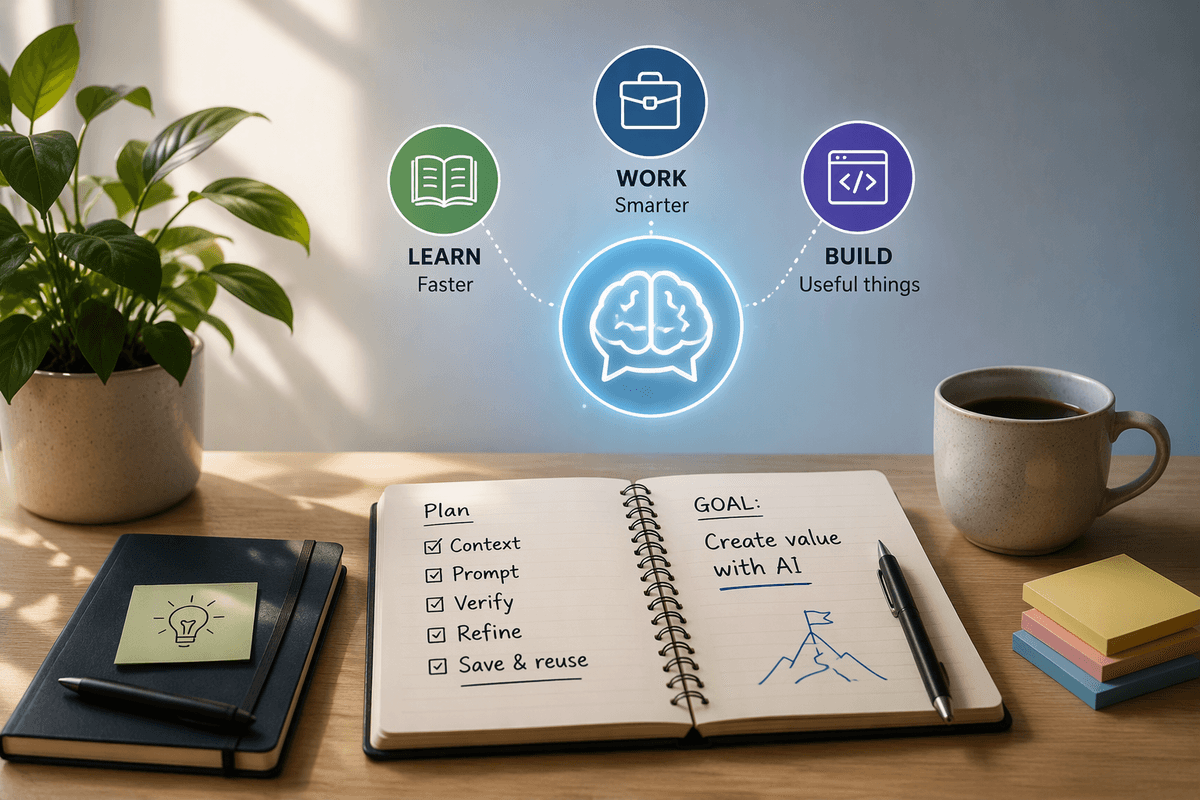
Pick your first AI use-case: learn faster, work smarter, build
You’ll get traction faster if you pick one use-case and run it daily for a week. A good first choice is something you already do often and can judge quickly: studying from notes, writing and revising documents, or turning a repeated task into a lightweight workflow. If you can’t tell whether the result is better in five minutes, it’s probably not the right starting point.
For “learn faster,” use AI as a quiz partner: paste your notes, ask for practice questions, then have it explain only what you missed. For “work smarter,” start with drafts and restructuring: give it a messy email thread and ask for a decision summary plus open questions for your next meeting. For “build,” keep it simple: a template generator, a weekly report outline, a small spreadsheet helper. Building sounds bigger than it is, but it does require setup time and occasional debugging.
Choose one lane, then practice three core skills: prompt with context, verify with sources or spot-checks, and save the steps as a repeatable checklist.
Set up a simple AI toolkit you’ll actually keep using
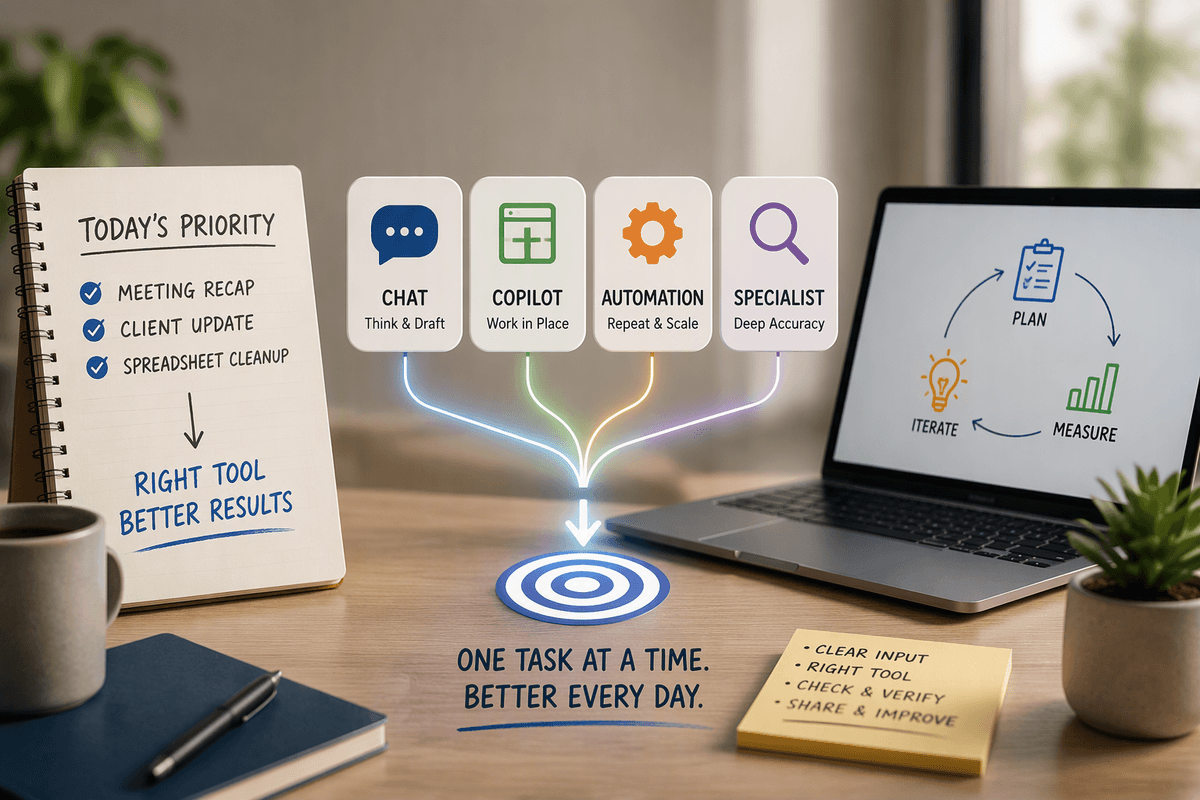
AI is more likely to become part of a routine when the setup stays simple, fast, and easy to reach. A practical starting point is one tool for thinking, such as a preferred chat app; one for writing, such as the document editor already in use; and one place for capturing useful material, whether that means a notes app or a single folder. Keep reusable prompts, examples, and outputs there rather than scattering them across different services. A plain-text prompt library with five to ten prompts for recurring tasks, such as summarization, tone rewrites, checklists, outlines, and practice questions, is enough to cover most weekly needs. The value comes from reuse, not from building a large collection of tools.
A lightweight automation layer can make those routines even easier. Phone shortcuts, a browser extension, or a simple clipboard workflow can send selected text to the AI tool together with a saved prompt, removing much of the repetitive setup. Every additional integration, however, brings more accounts, configuration work, and privacy considerations. Data handling should remain clear before anything gets connected. When the destination and use of the data are difficult to explain, leaving the workflow manual is the safer choice.
Learn with AI without outsourcing your understanding
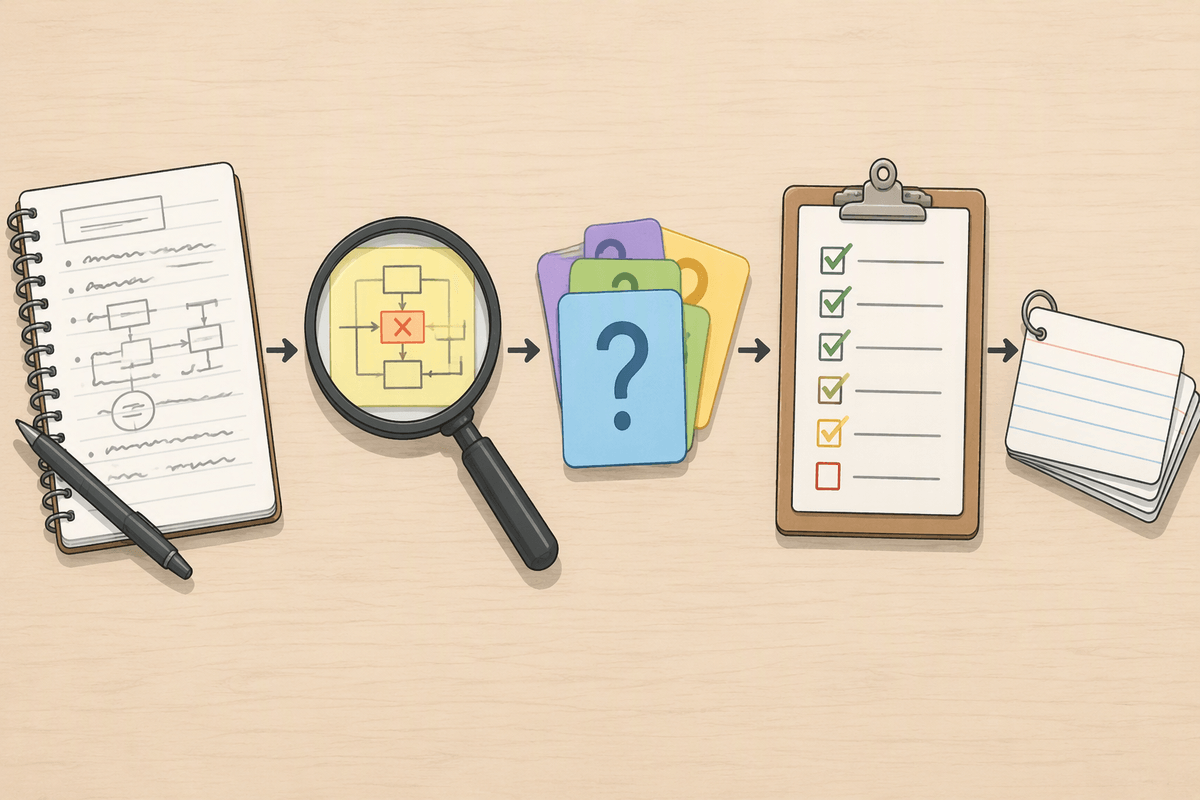
You’ve probably seen the failure mode already: AI produces a clean explanation, you nod along, and a day later you can’t reproduce the idea without the tool. The fix is to treat AI like a tutor that asks for your work, not a vending machine for answers. Start by writing your best attempt first—even if it’s rough—then paste it in and ask: “Where is my reasoning unclear or wrong? Don’t rewrite it yet; point out the exact step that breaks.” That keeps you in the driver’s seat and makes feedback actionable.
When you do ask for an explanation, force retrieval. Use prompts like: “Give me 5 questions that test this concept, then wait.” Answer without help, then ask it to grade and explain only what you missed, with one example and one counterexample. Finish by creating a tiny artifact you can reuse: a one-paragraph summary in your own words, a short checklist, or three flashcards. The constraint is time: this approach feels slower than copying an answer, but it builds recall and reduces confident misunderstandings.
Use AI at work: drafts, analysis, and better meetings
You know the feeling: you’ve read a long email thread, skimmed three docs, and still can’t tell what decision is needed. AI helps most when you give it messy work-in-progress and ask for a structured output you can verify. Paste the thread and ask for: “A 5-bullet decision summary, the stakeholders, risks, and the one thing we need to decide this week.” Then spot-check by searching the original text for each claim it makes. Treat anything it can’t point back to as a draft, not a fact.
For drafts, don’t ask for “write this for me.” Ask for a first pass in your format: “Draft a two-paragraph update with dates, owners, and next steps. Keep it neutral.” You’ll still need to edit for accuracy, tone, and internal context the model can’t know. The cost is review time, and sometimes it’s faster to write from scratch if the content is sensitive or highly specific.
For meetings, use AI to improve inputs and outputs: generate an agenda from open questions, then after the meeting, paste notes and ask for action items with owners and deadlines. If you can’t share notes due to privacy, summarize them yourself first, then have AI turn your summary into a clean follow-up email.
Build small AI projects that teach real skills fast
Building an AI app does not have to mean taking on a large software project. A useful first build is closer to a spreadsheet macro: one input, one transformation, and one defined output. A meeting-to-follow-up tool is a good example. Rough notes go in, and the result comes back as action items, risks, and a polished recap email written in a chosen voice. A study-pack tool follows the same pattern, turning a chapter summary into a quiz, answer key, and a small set of flashcards focused on weaker areas.
The more valuable skill here is specification and evaluation rather than coding itself. A short rubric might require owners and dates, prohibit new facts, and flag uncertain information. Running the same prompt against five real examples then provides a useful measure of whether the workflow actually works. Once a version performs reliably, save it as a reusable template rather than rebuilding the process from scratch.
Some friction is unavoidable. Inputs may need cleaning, and edge cases will expose situations where the model confidently fills gaps with invented details. Those failures are useful evidence about what the workflow is missing. A recurring mistake might call for a clearer prompt rule, an additional checklist item, or a change in the surrounding process. Over time, that feedback loop turns a simple prototype into something much more dependable.
Avoid the common traps: confidence, privacy, and quality control

You’ll start trusting AI right around the time it begins to mislead you. The outputs look polished, so your brain stops checking. Use a simple rule: anything that changes a decision, a number, or a claim needs a trace back to your source (original email, doc, link, or your own notes). Ask it to quote the exact lines it used, list assumptions, and produce a “what could be wrong?” section. If it can’t, treat the result as brainstorming, not analysis.
Privacy is the other quiet trap. If you wouldn’t paste it into a public form, don’t paste it into a tool you haven’t vetted. Redact names, client details, and internal metrics; summarize sensitive context yourself; and prefer “patterns and structure” prompts over raw data. Quality control is a workflow, not a vibe: keep a short checklist (facts, tone, completeness), spot-check two claims, and save only the prompts that survive real use.
A 7-day plan to start and keep momentum
Day 1: pick one lane (learn, work, or build) and write a “before” example you can compare against. Day 2: create three reusable prompts and a simple output checklist (facts, tone, next steps). Day 3: run the same task twice—once without AI, once with—and note where AI helped or added review time. Day 4: add one verification habit: require quotes/links or do two spot-checks. Day 5: save your best prompt as a template in your notes. Day 6: add one lightweight shortcut. Day 7: choose one weekly ritual (Monday plan, Friday recap) and keep it small.