Why AI copyright questions changed after generative models arrived
You can feel the difference the first time a tool produces a usable logo draft, product photo, blog hero image, or voiceover in seconds. Before generative models, copyright questions usually centered on human acts of copying: a designer reusing a stock image, a writer borrowing passages, a team distributing an unlicensed song. Generative AI shifts the pressure points because it sits between millions of prior works and a new output that looks “fresh” but may be traceable to patterns learned from protected material.
That creates two linked uncertainties that didn’t matter as much with older software. One is upstream: whether collecting and processing copyrighted works to train a model is a kind of copying that needs permission. The other is downstream: whether a generated result can be so similar to a source that it behaves like a derivative or near-duplicate, even if no one manually pasted anything. Neither step is visible by default, so teams end up relying on vendor claims, incomplete provenance, and after-the-fact checks.
What counts as copying during training, and why it matters
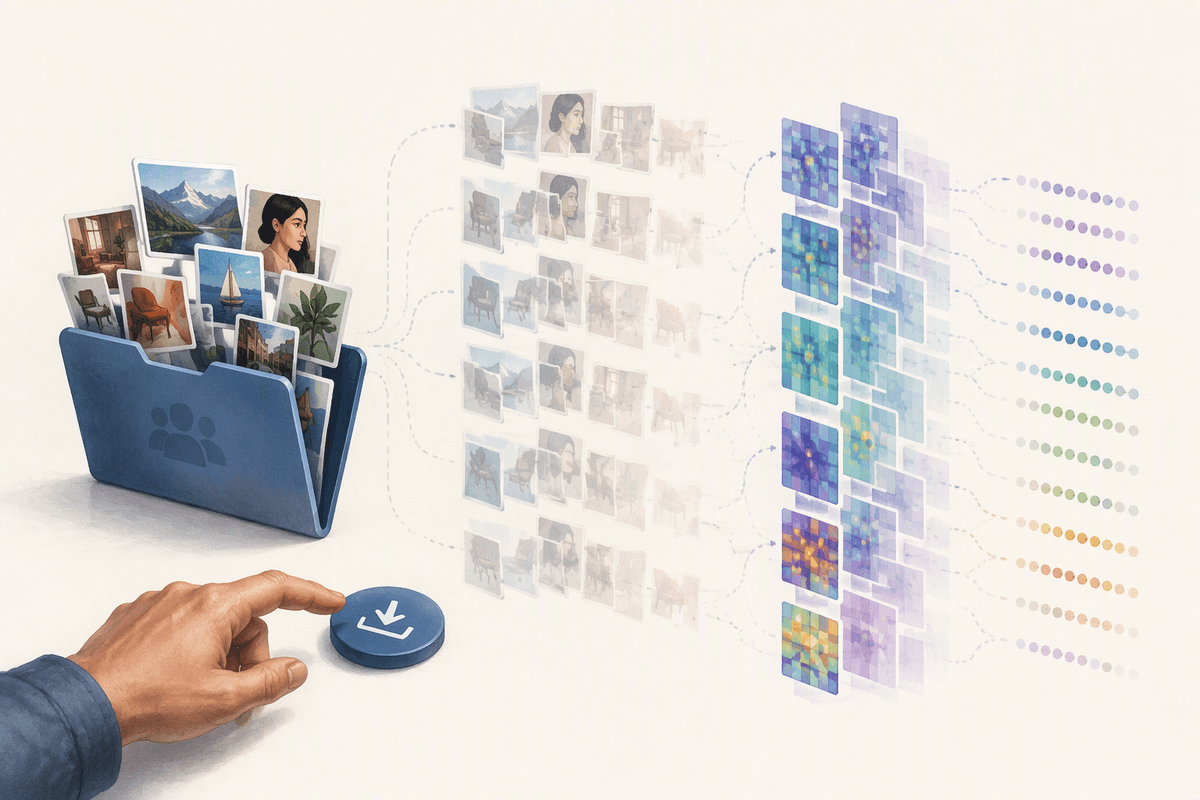
If you’ve ever downloaded a bunch of reference images into a shared folder “just to look at,” you already know the core tension: even temporary copies can matter. Training typically involves ingesting works, storing them (often more than once), and converting them into representations the system can learn from. Those steps may not look like traditional reuse, but they still require reproducing the work in a technical sense, which is why arguments about permission, fair use, and “just analysis” show up so quickly.
Why it matters comes down to leverage and exposure. If the training inputs were licensed, your downstream use usually starts on firmer ground. If they weren’t, disputes can focus on the training act itself—regardless of whether any single output matches a source. You rarely control the dataset, and “we don’t store the originals” doesn’t automatically answer whether copying occurred during the process.
From dataset to output: when does a result resemble a source?
Picture a marketer generating “one more” hero image until something clicks. Most outputs will be safely generic, but the risk spikes when the result stops feeling like a new work and starts looking like a recognizable one: the same distinctive character pose, a near-identical composition, a unique logo shape, or a photo that matches a specific frame from a well-known shoot. Similarity isn’t just about one copied detail; it’s about whether the overall selection and arrangement, or other distinctive elements, line up closely enough that an ordinary viewer would connect it to a particular source.
Two patterns drive most day-to-day problems. One is near-duplication: the model reproduces something unusually close to a training example or a widely circulated asset. The other is “in the style of” prompts that drift into protected expression—especially with niche illustrators, branded mascots, or signature typography. The constraint is time: teams often discover resemblance only after an ad goes live, when swapping creative costs money and attention.
Who could own AI-generated content in everyday scenarios?
A familiar moment: you generate five options, pick one, tweak it in Canva or Figma, and ask, “Do we own this?” Ownership can depend on who (if anyone) contributed enough original, human expression. If a result is largely automated with minimal creative choices, you may have a weaker claim to copyright in the output itself—even if you have a contractual right to use it. If you significantly edit, combine elements, or direct the work through detailed, iterative decisions, you’re more likely to own the human-authored parts, while still needing to avoid copying someone else’s protected expression.
Separate “who owns” from “who can use.” Many tools’ terms assign you broad usage rights but may also reserve vendor rights, restrict certain categories (logos, likenesses, training on your prompts), or require attribution in specific contexts. Employment and agency setups add another layer: the company may own employee-created edits as work made for hire, while contractors may retain rights unless the contract says otherwise. The practical cost is record-keeping—saving prompts, revisions, and licenses—so you can prove what you changed and what you were allowed to ship.
Licenses, terms of service, and provenance: the hidden rules
A common surprise is that the “copyright rules” you feel day to day are often contract rules in disguise. The model provider’s terms can grant you broad rights to use outputs while still limiting specific uses (for example, trademarks/logos, sensitive categories, or certain commercial deployments), shifting responsibility for prompts and final review onto you, and reserving rights to store content for safety or improvement. Separately, the assets you feed in—stock photos, fonts, brand guidelines, music stems—come with their own licenses, and many are “non-sublicensable,” meaning you can’t legally push them through a tool if the workflow implies redistribution or derivative use beyond the license.
Provenance is the missing link that makes these rules usable. If you can’t tell which model version generated the asset, what inputs were used, and whether any source material was licensed, you can’t confidently answer basic questions from a client, platform, or insurer. The constraint is operational: tracking prompts, inputs, and tool terms takes time, and vendors change terms, so yesterday’s safe workflow can quietly become today’s exception.
Practical risk checks before you publish or ship AI content
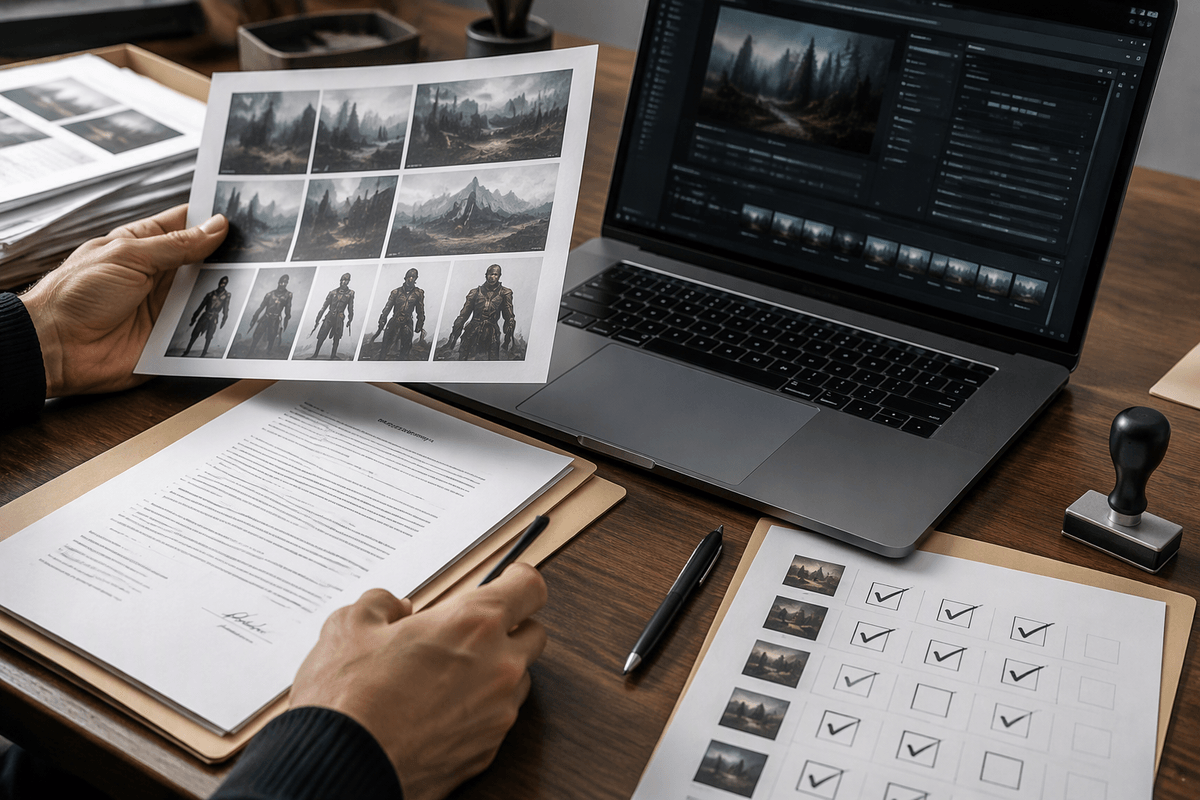
Right before something goes live, teams often discover they’re relying on vibe checks: “It looks original enough.” A better routine starts with a simple resemblance test. Ask whether a reasonable viewer would connect the output to a specific, identifiable work, character, brand, or photographer—not just a genre. If the answer is “maybe,” reroll, revise more aggressively, or replace the asset with licensed material. Do the same for inputs: if you uploaded a stock photo, font file, or music stem, confirm the license allows derivative use and tool processing, not just “use in a design.”
Then check your contracts. Save the model name/version, date of generation, prompts, seeds (if available), and your edit history. This is boring until a client asks for proof you can use the asset, or a platform flags it. Finally, pressure-test the highest-risk categories: logos, celebrity likenesses, distinctive mascots, and “in the style of” a living creator. The practical constraint is time, so apply the deepest review only to the assets that will be most visible, most monetized, or hardest to swap later.
A workable mindset: treat training and outputs as one pipeline
A familiar failure mode is treating training as “the vendor’s problem” and outputs as “our content.” In practice, risk travels end to end. If the model’s inputs are murky, you should assume more scrutiny on outputs that are highly specific, brand-adjacent, or meant to replace a paid asset. If your prompts and references push toward a particular creator, character, or campaign, you should assume a higher chance of near-duplicates and plan for heavier editing or substitution.
A workable mindset is to run one pipeline with checkpoints: choose tools with clearer licensing or provenance, limit what you upload to assets you can legally process, and keep a lightweight audit trail (model/version, prompts, sources, edits). It adds friction, but it’s cheaper than rebuilding creative after launch.